
Introduction
The goal of this is to get a Android box to use the Wifi Pineapple for its primary internet connection
Wifi Pineapple Configuration
NTOE: These Configuration steps are assuming you have already done the initial setup
Plug Wifi pineapple into Android box
turn Android Box on
Log into the Wifi Pineapple (Click Me)
Navigate to Networking
Select Scan
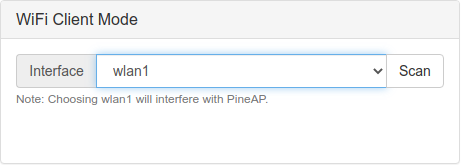
Select the desired wireless network from the drop down and enter the password in the password feild
Select Connect
Android box Configuration
Enable Ethernet in network settings
Disable Wifi if it is enabled still
Use Cases
- Weak connection with the built in NIC of the Android Box
- You dont want to connect directly to the local network